
10 Principles of Clean and Professional Website Design
A professional website design does more than make a business look good. It helps visitors understand what a company offers, find the information they need, and feel confident about taking the next step.
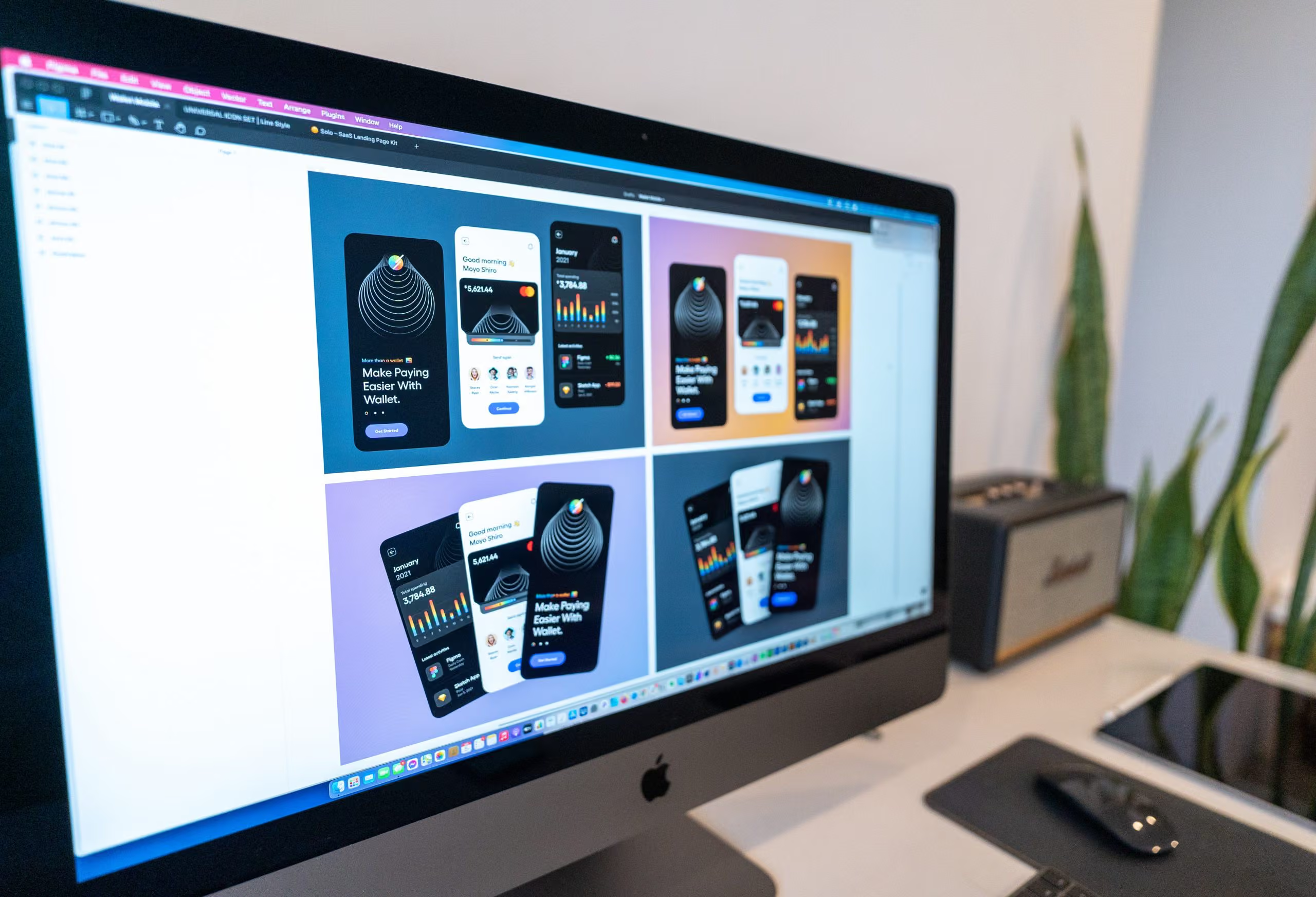
A cluttered layout, inconsistent typography, slow-loading images, or confusing navigation can make even a good business appear less credible. In contrast, a clean and well-structured website creates a positive first impression while making it easier for visitors to interact with your content.
Whether you are building a new website or improving an existing one, following established web design principles can help you create a more effective online presence.
Here are 10 principles to consider when designing a clean, professional, and user-friendly website.
1. Use a Consistent Colour Palette
Colour plays an important role in how visitors perceive your brand. A consistent colour palette helps establish visual identity, creates a cohesive appearance, and makes important elements easier to recognise.
Start with your primary brand colours and use them consistently across headings, buttons, links, backgrounds, and other interface elements. Neutral colours such as white, grey, and darker tones can provide balance without overwhelming the content.
Avoid introducing too many competing colours without a clear purpose. Instead, use accent colours to highlight important actions, such as contacting your business or requesting a quote.
Colour contrast is equally important. Text and interactive elements should remain easy to distinguish from their backgrounds, including for visitors with visual impairments.
2. Make Effective Use of White Space
White space, also known as negative space, is the empty area between text, images, buttons, and other elements on a page. It does not have to be white. Its purpose is to give content room to breathe.
Effective use of white space improves readability, establishes visual hierarchy, and helps visitors focus on the most important information.
Avoid placing too many elements close together. Give headings, paragraphs, images, and calls to action enough separation to make the page easier to scan.
A clean layout does not mean removing all visual detail. It means creating a deliberate balance between content and space so that every element has a clear purpose.
3. Choose Clear and Consistent Typography
Typography affects both the appearance of a website and how easily visitors can read its content.
Choose typefaces that suit your brand and remain legible across different screen sizes. For most business websites, one or two complementary font families are sufficient. Establish consistent styles for headings, body text, buttons, navigation, and supporting information.
Use a clear heading hierarchy to organise content. An H1 should communicate the page’s main topic, while H2 and H3 headings divide the content into meaningful sections.
Body text should be comfortable to read on desktop and mobile devices. Pay attention to font size, line height, paragraph length, and contrast.
Consistent typography creates a more polished experience and helps visitors understand the structure of each page.
4. Maintain Consistent Alignment and Layout
A well-organised website uses consistent spacing, alignment, and layout rules to create a coherent visual experience.
Grid systems help designers position elements in relation to one another, keeping text, images, cards, and other components visually connected. Consistent content widths and spacing also make pages easier to scan.
For example, service pages can share a common structure for headings, descriptions, images, and calls to action. This gives the website a consistent appearance without making every page identical.
Good alignment is not just about aesthetics. It helps visitors understand relationships between content elements and navigate information more naturally.
5. Optimise Images for Website Performance
Images can make a website more engaging, communicate complex ideas, and strengthen a brand’s visual identity. However, large or poorly optimised image files can slow down page loading and negatively affect the user experience.
To improve website performance, choose appropriate image dimensions and formats, compress files without excessive quality loss, and avoid loading unnecessarily large images.
Modern formats such as WebP and AVIF can reduce file sizes while preserving visual quality. Responsive images allow browsers to select suitable versions for different screen sizes, while lazy loading can reduce unnecessary loading for images further down a page.
Performance should be considered during the development process, not treated as an afterthought. A visually attractive website also needs to load efficiently and remain responsive during everyday use.
6. Remove Unnecessary Visual Clutter
Every element on a website should serve a purpose. Excessive animations, decorative graphics, competing calls to action, and unnecessary content can distract visitors from the information they need.
A clean website design prioritises clarity. Each page should have a clear objective, with content and interface elements supporting that objective.
Review your pages and ask whether each section helps visitors understand your services, evaluate your business, or take a relevant action. If an element adds no meaningful value, consider removing or simplifying it.
Minimalism is not a requirement for every brand. The goal is to create a design that feels intentional, communicates effectively, and avoids unnecessary distractions.
7. Create Clear and Intuitive Website Navigation
Website navigation should help visitors find information without confusion. If users cannot locate your services, contact details, or other important pages, they may leave before engaging with your business.
Use clear menu labels that describe what visitors will find. Organise related pages into logical categories and maintain consistent navigation across the website.
For larger websites, consider whether dropdown menus, breadcrumbs, search functionality, or structured service categories would make information easier to access.
Calls to action should also be easy to identify. Depending on the page, these might include requesting a quote, booking a consultation, viewing a service, or contacting your team.
Good navigation supports the entire user experience by reducing friction and helping visitors move naturally through the website.
For more guidance, explore TekCreative’s user experience and design services.
8. Design for Mobile Devices
A professional website must work effectively across smartphones, tablets, laptops, and desktop computers. Mobile responsiveness is essential because visitors may access your website from a wide range of devices and screen sizes.
Responsive web design adapts layouts, typography, images, and navigation to the available screen space. Buttons and other interactive elements should be easy to use on touchscreens, while text should remain readable without unnecessary zooming or horizontal scrolling.
Mobile optimisation also requires attention to performance. Large images, excessive scripts, and poorly implemented interface components can make a website frustrating to use on slower connections.
Test key pages and user journeys across different screen sizes. Check forms, navigation menus, buttons, images, and interactive components rather than relying solely on how the homepage looks.
A mobile-friendly website helps create a consistent experience for visitors, regardless of how they access your business online.
9. Proofread All Website Content
Even a visually polished website can appear unprofessional if its content contains spelling mistakes, grammatical errors, outdated information, or inconsistent terminology.
Before publishing a page, check its headings, body text, buttons, forms, contact details, and supporting information. Make sure the language is clear, the information is accurate, and the content reflects your current services and brand.
Content quality also influences usability. Visitors should be able to understand what your business does, who your services are for, and how to get in touch without having to interpret vague or unnecessarily complicated language.
For SEO, use descriptive headings, relevant keywords, and informative page titles naturally. Avoid keyword stuffing or writing content solely to repeat search terms.
Clear, accurate, and well-structured content supports both visitors and search engines.
10. Test, Measure, and Improve Your Website
Website design should not stop when a site goes live. Real users may interact with the website differently from what was expected during the design process.
Testing helps identify problems with navigation, page layouts, forms, mobile usability, accessibility, and performance before they affect too many visitors.
Collect feedback from users and review relevant website data to understand where improvements may be needed. For example, if visitors frequently abandon a contact form, the process may be too complicated or a technical issue may be preventing successful submissions.
Useful checks include:
- Testing navigation, forms, and interactive elements.
- Reviewing mobile responsiveness and accessibility.
- Measuring page performance and loading times.
- Checking links, content accuracy, and browser compatibility.
- Reviewing user behaviour and conversion performance.
Continuous improvement allows your website to evolve alongside your business, your customers’ expectations, and changes in technology.
Why Professional Website Design Matters
Clean and professional website design is about more than visual appearance. It combines branding, usability, accessibility, content structure, and technical performance to create a website that works for both visitors and the business behind it.
A consistent colour palette and typography establish a recognisable identity. Clear navigation and thoughtful layouts make information easier to find. Optimised images and responsive development support performance across devices, while testing helps ensure the website continues to meet its objectives.
These principles are most effective when considered together. A visually appealing website will not deliver its full potential if it is difficult to navigate, slow to load, or poorly structured.
Build a Professional Website with TekCreative
At TekCreative, we approach website design and development as connected parts of a wider technical solution. The aim is to create websites that look professional, communicate clearly, perform reliably, and support real business objectives.
From user experience and interface design to custom WordPress development and website performance optimisation, we help businesses build and improve their online presence around their specific requirements.
A well-designed website should not simply look good. It should make it easier for customers to understand your business, trust your brand, and take the next step.
You might also like…
This is three col posts


WHY US
Why choose TekCreative?
We’re technical specialists who work across development, rebuilds and migrations, performance optimisation and ongoing support. We look at the code, database, integrations and infrastructure behind a platform, not just the visible frontend.
We don’t recommend a technology simply because it is newer, and we don’t build custom software when an existing platform is sufficient. We assess the requirements, explain the options and choose an approach that fits the project.
Our work is based on measurable technical information wherever possible. We use profiling, testing and performance data to understand what is happening, then use that information to guide the work.

Results You Can Measure
We use technical measurements where they are relevant to the project, including performance data, Core Web Vitals, server response times, database performance and other project-specific indicators.
We Own the Technical Work
We work directly on the platforms we develop and support, with the technical decisions and implementation handled by our development team rather than passed through multiple layers.
We Don't Disappear After Launch
Launch is not necessarily the end of the technical work. We can continue with monitoring, maintenance, troubleshooting, performance improvements and further development as the platform evolves.
50+
Projects Delivered
5+
Years of Expertise
CONTACT US
Get in touch
Have a platform that needs improving, a new system to build, a migration to plan or technical problems that need investigating? Tell us what you’re working with, and we’ll give you a clear view of the possible approach.

Give us a call and get an answer in seconds
Speak directly with our team about your platform, what you’re trying to improve and the technical challenges you’re facing. We’ll give you an honest view of what would be involved and where we can help.
Fill the contact form and we will contact you
Tell us about your current platform, what isn’t working properly, what you’re trying to build or where you need technical support. We’ll review the details and come back with a clear assessment and next steps.